 Falling
 App
OffDisk - Offline Disk Catalog & Finder
Catalog your archive hard drives and find any file in seconds, even when the drive is in the drawer.
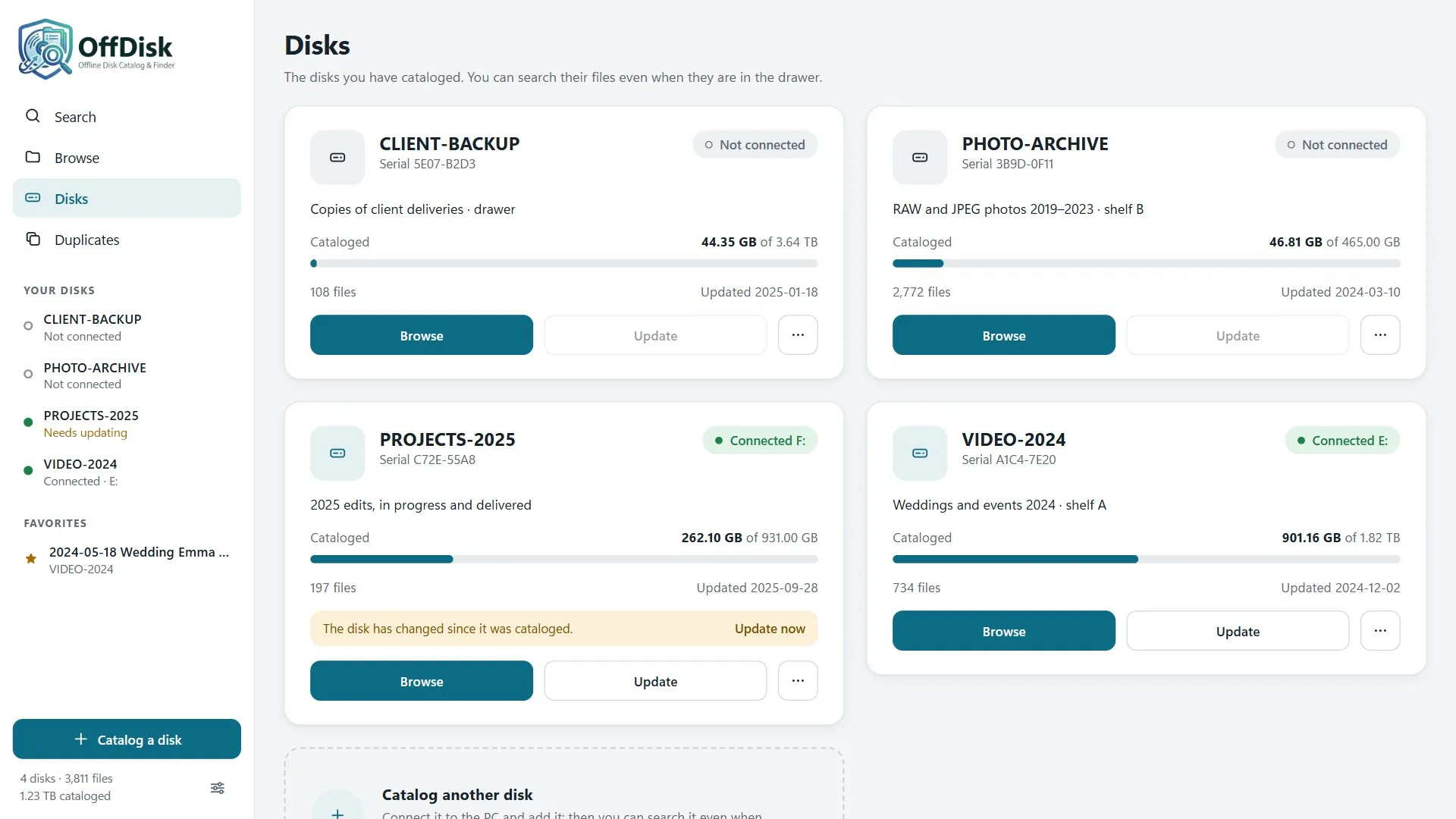
How many hard drives, SSDs, USB flash drives, and SD cards have you accumulated over the years? With projects, photos, videos, and documents scattered across different storage devices, finding a file can become a never-ending search. OffDisk catalogs your storage devices and lets you instantly find out where a file is stored, without having to connect them all.
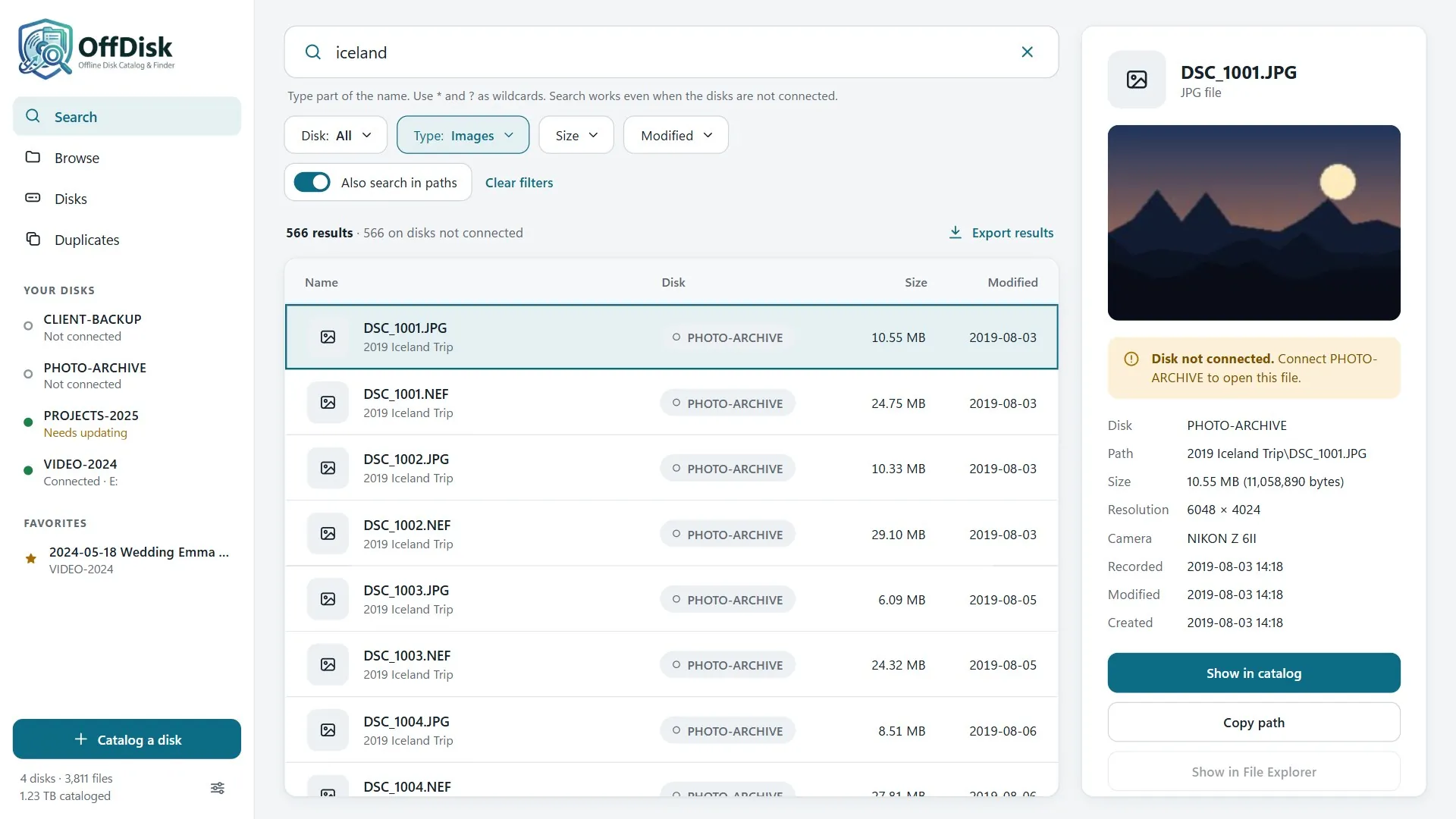
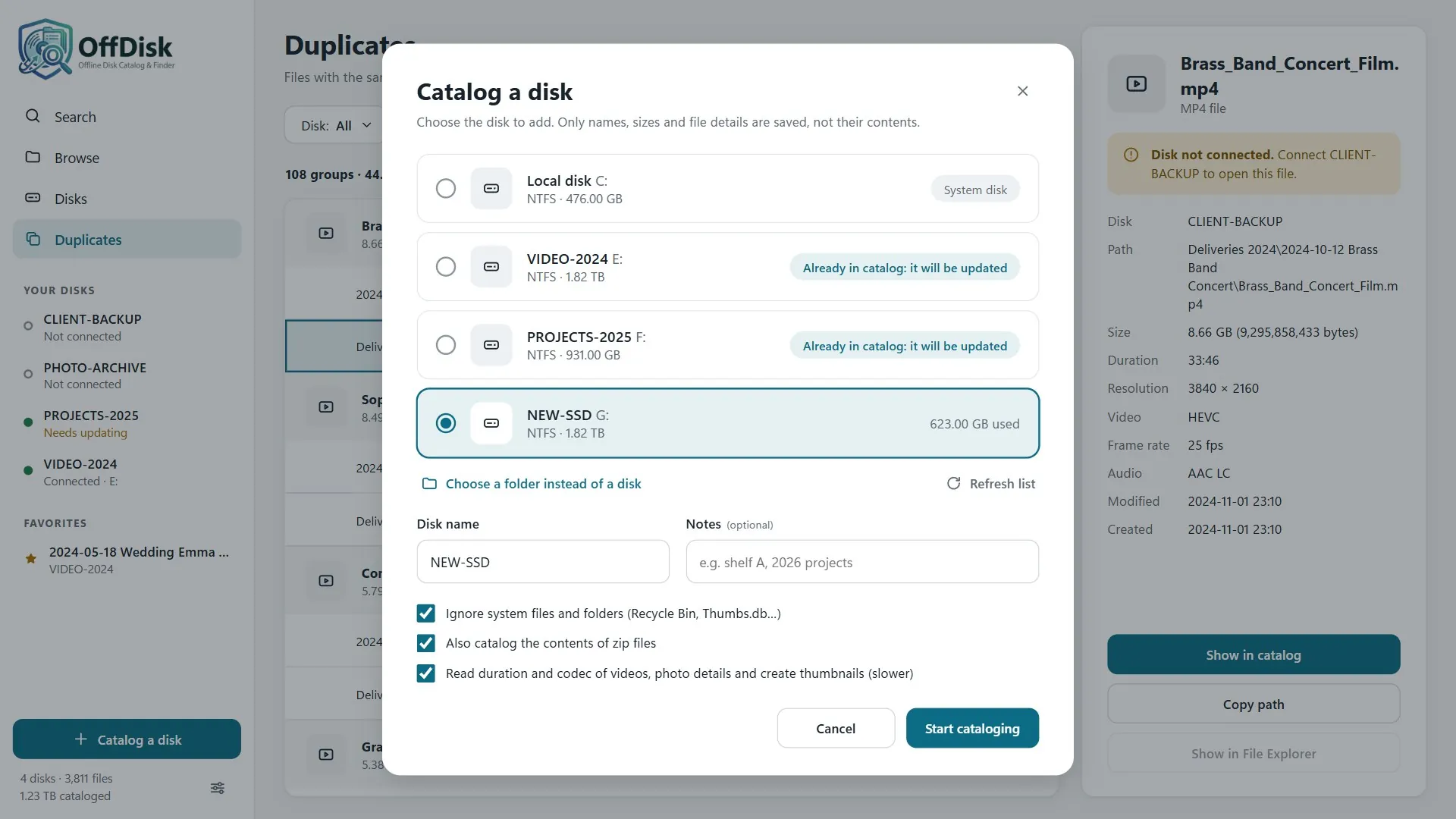
Connect a storage device and start cataloging. OffDisk saves information about files and folders on your computer, including file sizes and dates. For images, it creates photo thumbnails, including camera RAW files (CR2, CR3, NEF, ARW, DNG, RAF and more), making it easy to recognize and find your shots at a glance. For videos, it also records duration, resolution, and codec.
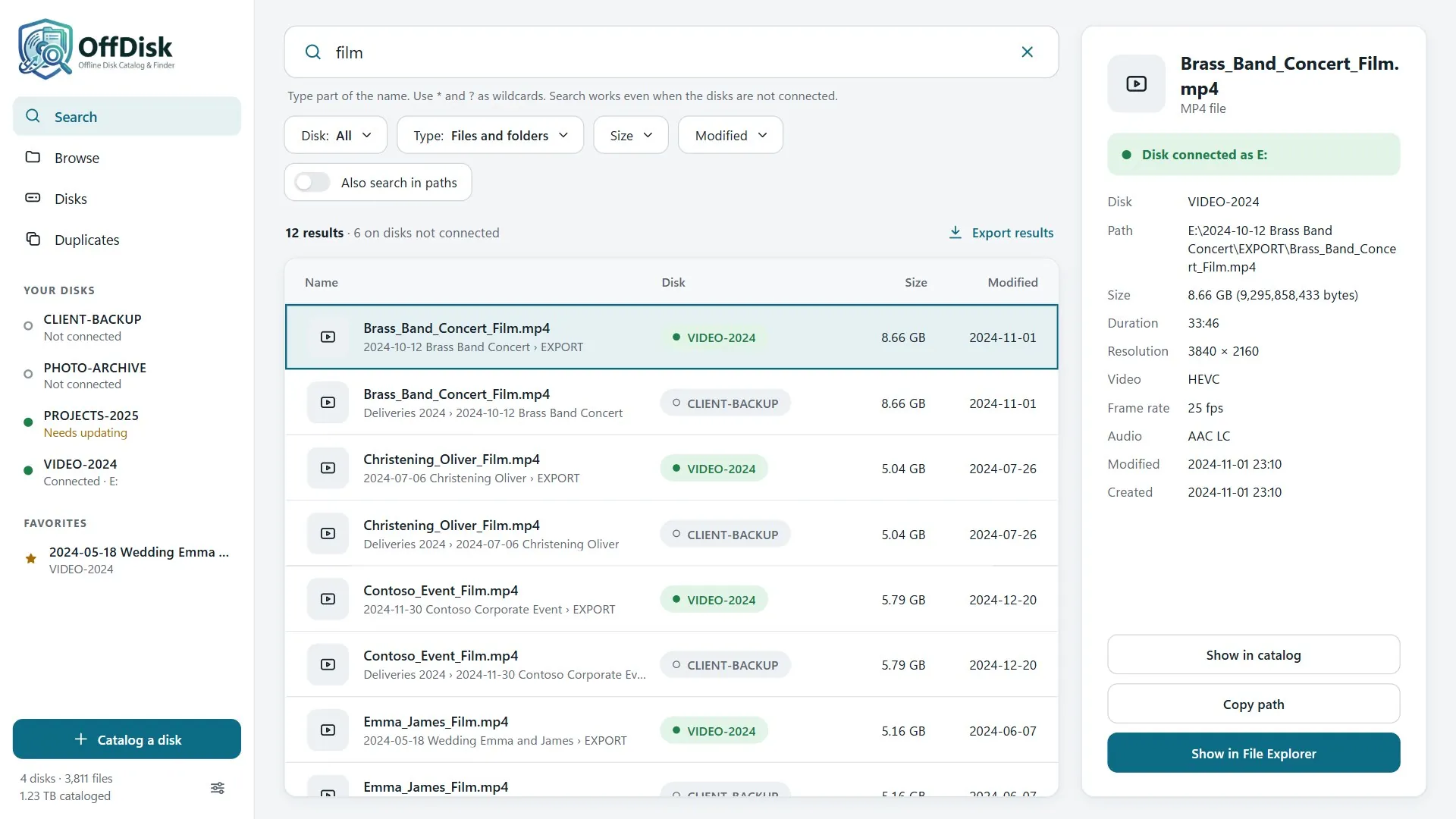
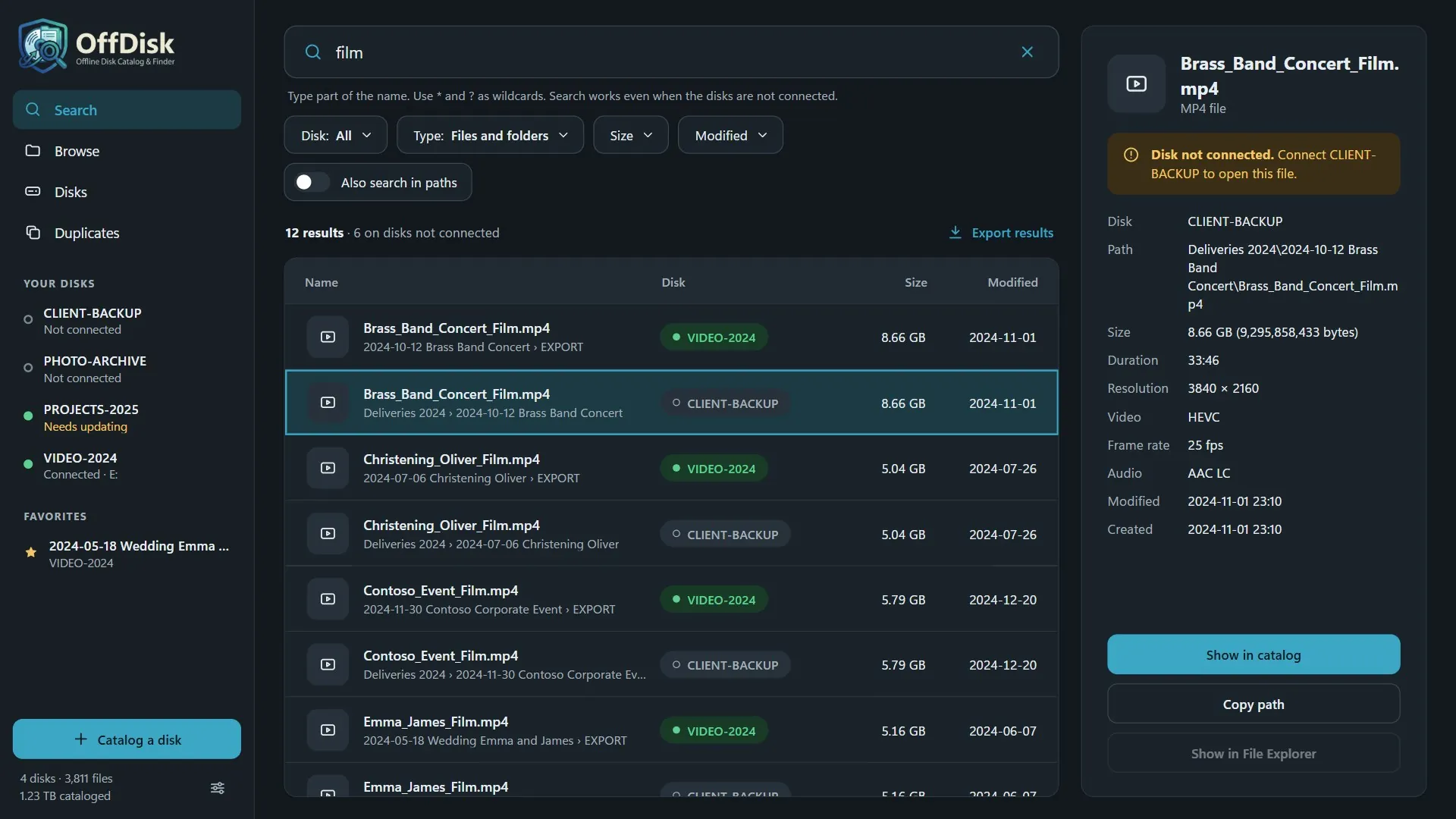
Looking for a photo from an old shoot, a work document, a PDF, or a file whose name you only vaguely remember? With OffDisk, you can quickly search through your cataloged content, browse folders, and view file details even when the corresponding storage devices are disconnected. Once you find what you need, OffDisk tells you which device to connect and, when it's available, lets you locate the file directly in File Explorer.
Search inside your documents too. Remember a sentence but not the file name? If you turn it on for a storage device, OffDisk also catalogs the text of PDFs, Word documents, Excel spreadsheets, PowerPoint presentations (including the old DOC, XLS and PPT formats), OpenDocument, RTF and text files, including those inside the smaller archives (zip, 7z, RAR, TAR…). So you can find a contract, a quote or a report from the words it contains, even with the device in the drawer: results are sorted by relevance, with the words found highlighted.
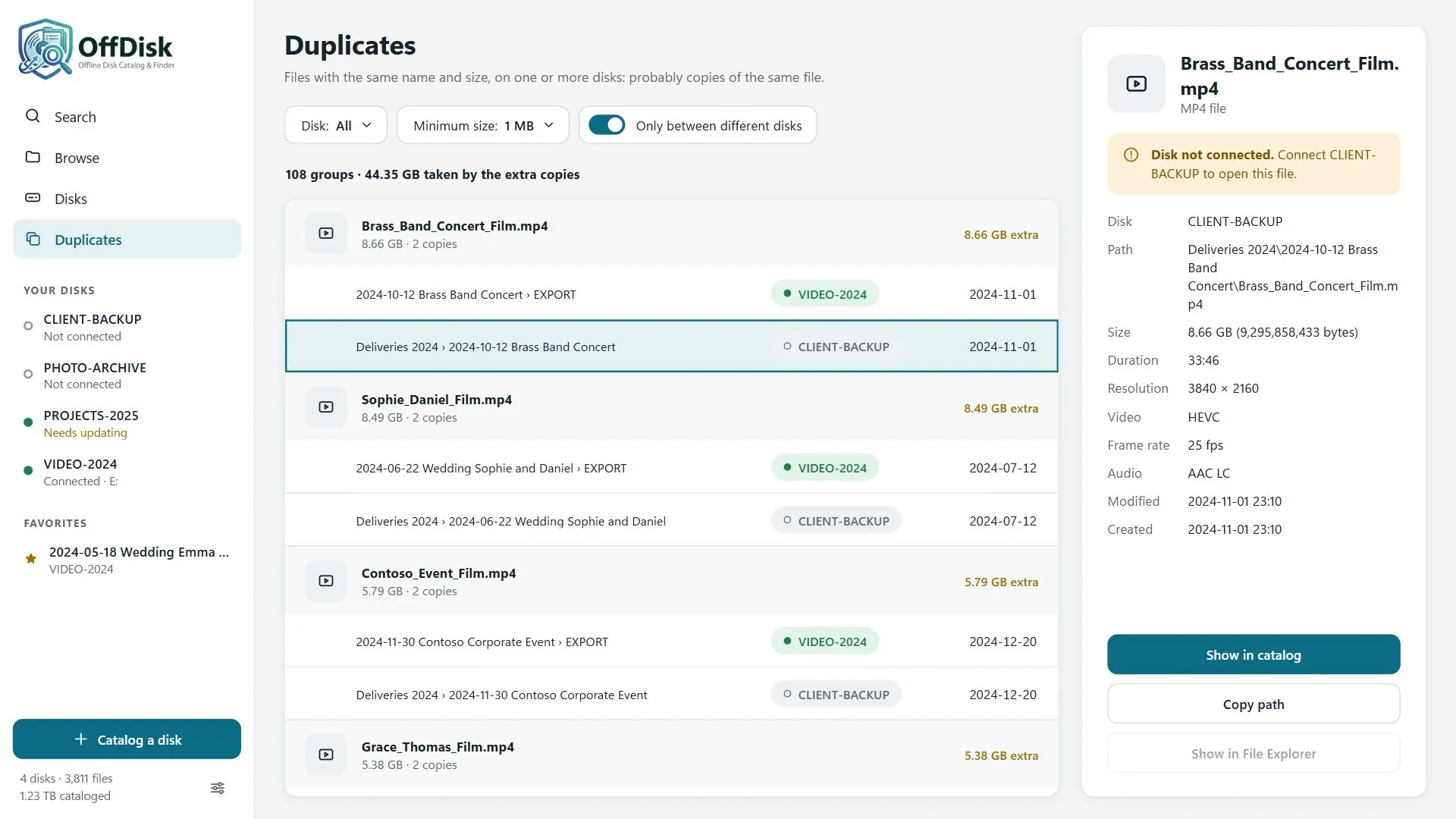
One catalog for all your archives. Not just hard drives, but also external SSDs, USB flash drives, SD cards, and other storage devices. You can find duplicate files across different devices, check whether an archive has changed since it was last cataloged, and print a list of its contents to keep with the storage device.
Designed for photographers, videographers, professionals, and anyone managing large amounts of files across multiple storage devices, OffDisk turns a collection of disconnected drives into an organized, searchable archive that's easy to browse.
Your data stays on your computer. No account, no ads, and no data sent over the internet.
Screenshots
Features
- Catalog hard drives, USB flash drives, memory cards, network drives, and folders
- Search across all drives using wildcards and filters for drive, file type, size, and date
- Each search result shows which drive contains the file and whether it is currently connected
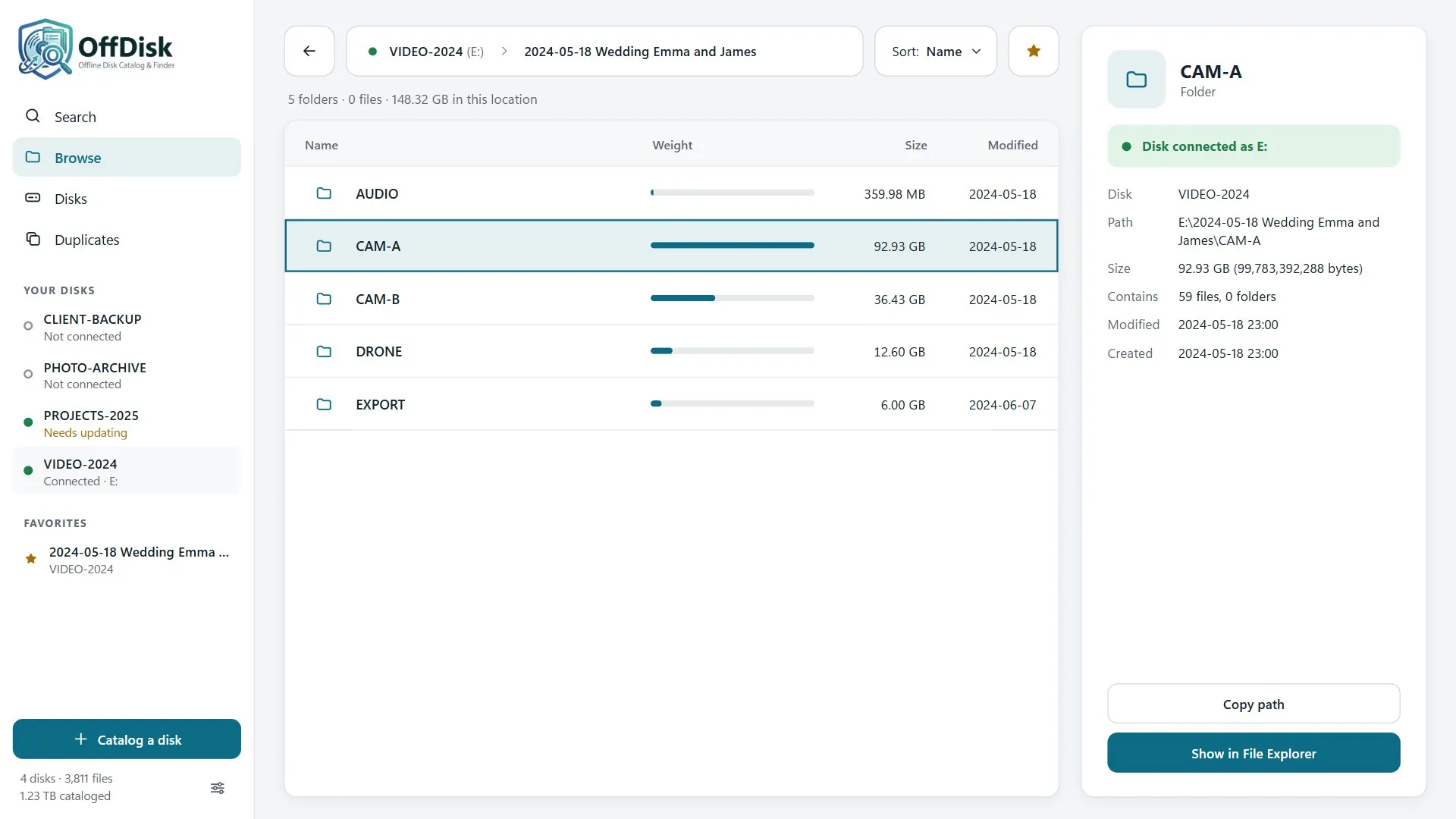
- Browse folders on disconnected drives, including the size of each folder
- Find your photos at a glance with thumbnails, RAW files included. View video duration, resolution, and codec.
- Browse the contents of archives (ZIP, 7z, RAR, TAR, ISO…), find duplicate files across different drives, and bookmark favorite folders
- Get notified when a connected drive has changed and update its catalog with one click
- Find PDFs, documents, and other files scattered across multiple archives without manually searching through every folder
- Organize the contents of your hard drives, SSDs, USB flash drives, and SD cards in one place
- Search inside your documents too: PDF, Word, Excel, PowerPoint, OpenDocument and text files, with the words found highlighted
- Works offline; available in Italian and English, with light and dark themes
What's new in version 1.2.0
- Cataloging of the contents of 7z, RAR (including RAR5), TAR (including .tar.gz, .tar.xz…), CAB, ISO and other archives, besides zip files: the files inside archives can be found with the search even when the drive is disconnected
- The text of documents can also be searched inside archives up to 100 MB
- Password-protected archives are not opened and are marked in the details
- Fixed an error that prevented the Duplicates page from opening
User guide
How to use OffDisk - Offline Disk Catalog & Finder: from the first steps to the more advanced features.